
You updated a plugin, or WordPress updated one for you overnight, and now every page on the site says one sentence and nothing else:
Briefly unavailable for scheduled maintenance. Check back in a minute.The admin is gone too. Every guide you find says the same thing: delete a file called .maintenance from your web root. That advice is correct, and for a site that has been stuck for more than about ten minutes it is also frequently beside the point, for a reason almost nobody writing about this mentions.
What the message actually is
It is not a setting, and no plugin is involved. When WordPress updates core, a plugin or a theme, WP_Upgrader::maintenance_mode() writes a single file into your WordPress root containing one line:
<?php $upgrading = 1760353200; ?>That number is a Unix timestamp: the moment the update started. While the file exists, wp_maintenance() intercepts every request, prints that one sentence, returns HTTP 503 and sends a Retry-After: 600 header. When the update finishes, the upgrader deletes the file. That is the entire mechanism.
You get stuck when the update dies between those two steps. The file is written, something fails, and nothing ever removes it.
WordPress already ignores the file after ten minutes
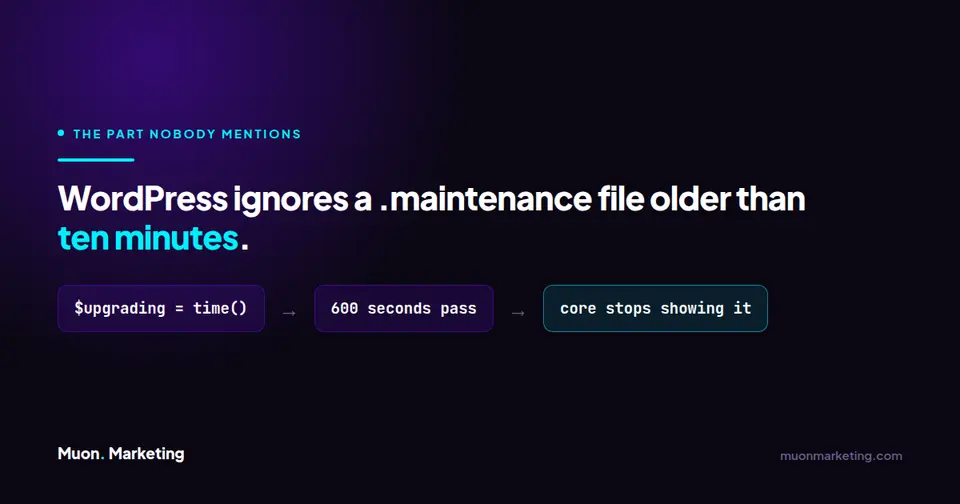
This is the part that changes the diagnosis. wp_is_maintenance_mode() does not simply check whether the file is there. It reads the timestamp and gives up on it:
if ( ( time() - $upgrading ) >= 10 * MINUTE_IN_SECONDS ) {
    return false;
}
Ten minutes. 600 seconds. After that, core stops honouring the file entirely and serves the site normally, whether or not anyone deleted anything.
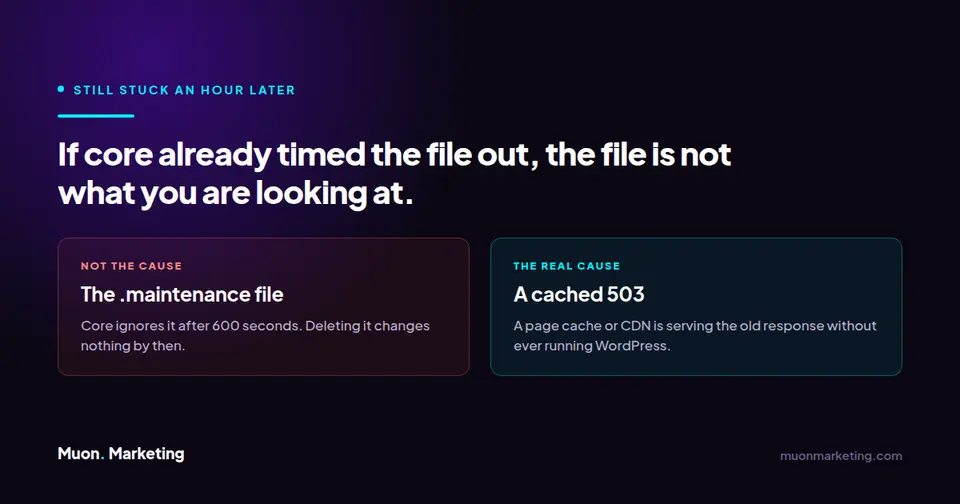
So a site that has been showing this message for an hour is not being held there by the .maintenance file. Core would have released it fifty minutes ago. Something else is producing what you are looking at, and deleting the file will not touch it.
| How long it has been stuck | What that tells you | What to do |
|---|---|---|
| Under 10 minutes | Working exactly as designed. An update is in progress | Wait. Interrupting it is how sites get half-updated |
| Cleared on its own after 10 minutes | The update died, but core timed the file out for you | Delete the leftover file, then verify the update actually completed |
| Still stuck after an hour | Core is not producing this response | Look at your page cache or CDN, not the file |
| Gone when logged in, present logged out | A cached 503 being served to anonymous visitors | Purge the cache |
| Wording is not exactly the sentence above | Not core maintenance mode at all | A plugin’s own maintenance mode. Look in the plugin list |
The straightforward case
If it has been under ten minutes, wait. Genuinely. An update that is still copying files will finish, and cutting it off part way is how you end up with a half-written plugin directory, which is a considerably worse problem than a holding page.
Past that, connect over SFTP, SSH or your host’s file manager, go to the folder containing wp-config.php, and delete .maintenance. Two things catch people here. The leading dot makes it a hidden file, so most file managers and FTP clients will not show it until you turn on “show hidden files”. And it sits in the WordPress root, not in wp-content.
Then check what the interrupted update left behind. Go to Dashboard → Updates and confirm the plugin or theme is actually at the version it should be. A failed update can leave the old files, the new files, or an unhappy mixture of both.
When deleting the file changes nothing
A cache is serving the 503. This is the common one. A full-page cache, a CDN or a reverse proxy stored the maintenance response and is handing it back without ever running WordPress. Core times out its own file, the site is fine, and every visitor still sees the holding page. Purge the cache at every layer you have, including the CDN, and test in a private window.
Something keeps rewriting the file. An auto-update that fails and retries recreates .maintenance with a fresh timestamp every time, which resets the ten minute clock indefinitely. If the file reappears within minutes of deleting it, that is what is happening. Disable auto-updates temporarily and update by hand so you can see the failure.
It is a plugin’s maintenance mode, not core’s. Several plugins ship a coming-soon or maintenance screen. None of them produce this exact sentence. If the wording differs by even a word, you are looking at a plugin setting, and no amount of deleting files in the root will help.
Why the update died in the first place
Clearing the holding page gets the site back. It does not tell you why the update stopped, and the same thing will happen at the next one.
Three causes account for most of them. PHP ran out of memory part way through unpacking the update, which leaves the exact fingerprint described in the allowed memory size error. The request exceeded the maximum execution time on a slow or oversubscribed host. Or the update was a scheduled automatic one running under WP-Cron, which inherits whatever limits that request was given and fails quietly with nobody watching.
That last one is worth sitting with. Automatic updates are the single most common way a site ends up stuck like this, precisely because they run at 3am with no human present to notice the failure. The holding page is often the first anyone hears about it, hours later.
Making it not happen again
There is a filter, enable_maintenance_mode, that can switch the behaviour off entirely. Do not reach for it. Maintenance mode exists so visitors do not hit a site with half its files replaced, and turning it off swaps a holding page for genuinely broken output.
What actually helps is unglamorous: enough PHP memory and execution time for updates to complete, updates applied where someone is watching rather than at 3am, and a backup taken immediately before, so a failed update is a restore rather than an investigation. Our website maintenance checklist covers the sequence, and the same reasoning runs through what a maintenance plan should actually cover.
If you would rather updates were somebody else’s problem, and somebody else’s 3am, that is the whole proposition of managed WordPress care.